
Progress & Completion · Source-led
Moon Sweepers Sector Borders: Show and Read the Overlay
Quick answer
Press G on the surface to run the region scan. It outlines the sector you are standing in, shows its five-digit number and reports how clean it is. This is a scan of one region, not a permanent global grid. The Moon has 163,842 regions, and a region is done at 1% remaining dust.
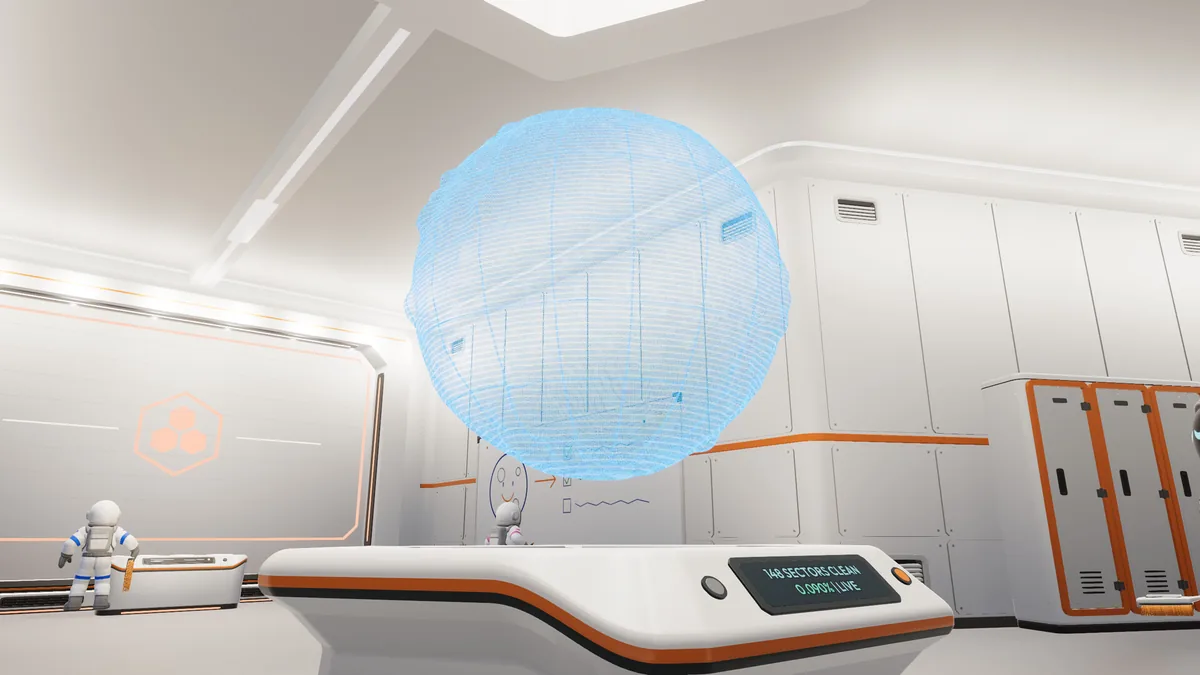
Scan
Show and read the overlay
| Element | Meaning | Use it to |
|---|---|---|
| Outline | The edges of the current sector. | Find the side you have not cleaned. |
| Five-digit number | The sector ID shown by the game. | Record a location or compare with another player. |
| Percentage | How much dust has been removed from the sector. | Decide whether to finish the region or move on. |
| Map waypoint | A player-set navigation marker. | Return to a base, a site or a previous work area. |
| Robot activity | The current job shown on the 1.0.4 map. | See whether a robot is cleaning nearby. |
The scan is not a toggle for a permanent world grid. Walk to a new sector and press G again to inspect that one. The build menu's context controls may also use G for a placement grid; check the Controls screen if you are inside a build preview.
Missing overlay
Why the overlay might not appear
- Stand on the lunar surface. The scan is a world action, not a menu inside the base.
- Press G once and wait for the outline; a second press may dismiss it.
- Restore the HUD if it was hidden with the HUD control, then try G again.
- If you are in a build preview, leave the preview or check whether G is acting as the build-grid toggle.
- Check the Controls screen for a changed controller or keyboard binding; the game has no key rebinding, but Steam Input can remap a controller.
- If the sector is already at 0% or has no dust, the scan may show a completed region rather than a fresh boundary.
Local versus overall
Local sector versus overall Moon progress
The scan reports the current region. The overall Moon percentage is the 1% / 10% / 50% / 100% achievement ladder and the base/Field Manual display. A sector can read 99% clean while the Moon total is still below 1%; the totals use different denominators.
A region completes at 1% dust remaining, not 0%. If you are hunting the last visible fleck after the scan says completed, check whether the region already paid and whether the remaining dust belongs to the next sector. The progress guide covers the 1% rule and missed-dust search.
Straight answers
Questions about this task
What key shows sector borders?
G is the documented region scan key on keyboard. It shows the current sector's edges and percentage. Controller players use the corresponding D-pad binding shown in Controls.
Is there a permanent grid over the whole Moon?
The checked data describes a scan of the sector you occupy, not a permanent global overlay. The build preview has its own grid context.
Why does the sector border not show?
Make sure you are on the surface, the HUD is visible and you are not in a build preview. Press G once, then check the Controls screen if nothing appears.
Trace the answer
Sources and scope
This is an independent, source-led guide, not a first-hand playtest. Gameplay values, build-menu details and UI behavior are checked against the 1.0.4 data snapshot and official patch notes. Your installed build is the final authority.
- Reference Wikily: Controls Moon Sweepers 1.0.4 data index, checked 28 Oct 2026. Useful for build-menu values; not an official developer page.
- Reference Wikily: Moon regions Moon Sweepers 1.0.4 data index, checked 28 Oct 2026. Useful for build-menu values; not an official developer page.
- Reference Wikily: Map and waypoints Moon Sweepers 1.0.4 data index, checked 28 Oct 2026. Useful for build-menu values; not an official developer page.
- Official Moon Sweepers 1.0.4 patch notes Official patch notes, 25 Oct 2026.