
Mods, Trainers & Input · Source-led
Moon Sweepers Console Commands: Availability and Verified List
Quick answer
No accessible console or verified command list was found for Moon Sweepers 1.0.4. The official patch notes document one launch option, -force-d3d12, to request DirectX 12. That is not a console command. Treat any list of “Moon Sweepers console commands” without a game screenshot or developer source as unverified.
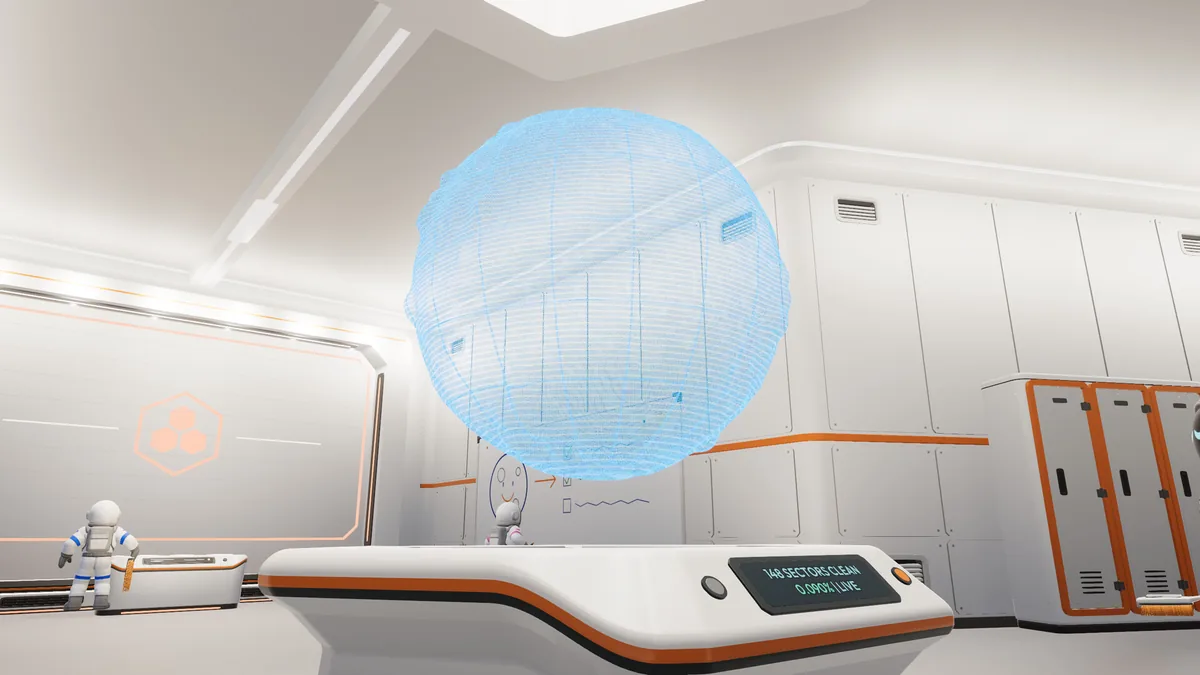
Console
Does a console exist?
The checked store page, official patch notes and current data pages do not document a console key, a developer menu or a command syntax. A launch option is not a console. The existence of a game setting menu is not evidence of a developer console either.
| Item | Status | Source |
|---|---|---|
| Developer console | Not documented | Official 1.0.4 notes and store page |
| Command list | No verified list | No official command page found |
| Steam launch option | -force-d3d12 | Official 1.0.4 patch notes |
| Default renderer on AMD | DirectX 11 | Official 1.0.4 patch notes |
| Trainer | A separate external tool | FearlessRevolution / PLITCH, not a console |
Launch option
The one verified launch option
- 01
Open the game's Steam properties
In your Steam library, open Moon Sweepers' Properties and find the Launch Options field.
- 02
Add -force-d3d12
Enter
-force-d3d12to request DirectX 12. The 1.0.4 patch made DirectX 11 the default to prevent AMD GPU crashes. - 03
Test and remove if needed
Launch the game normally. If it crashes or performs worse, remove the option to return to the default renderer.
Fake lists
Why to ignore unverified command lists
- A list can be copied from another Unity game or from an earlier build.
- A command can look plausible and still do nothing or send an invalid input.
- A “console” screenshot can be a trainer overlay, a mod menu or an edited image.
- A command that changes money in a co-op world can affect the host and every player.
- The current game data has a trainer and mod ecosystem; those are separate from a built-in console.
If a future patch adds a console, verify it with an official patch note, the game's Controls screen and an actual screenshot. Until then, the honest answer is that no verified console exists.
Alternatives
What to use instead
For normal play, use the game's Controls screen and the gameplay guide. For deliberate money changes, compare the trainer options and the Cheat Engine limits. For mods, use the Nexus loader guide.
Straight answers
Questions about this task
Does Moon Sweepers have a console?
No accessible console or command list was verified in the checked 1.0.4 material. Do not treat an unverified list as a working feature.
Where can I find a command list?
There is no verified list to publish. The only documented launch argument is <code>-force-d3d12</code> for DirectX 12.
What does -force-d3d12 do?
It requests DirectX 12. Patch 1.0.4 made DirectX 11 the default on AMD; remove the option to return to the default.
Trace the answer
Sources and scope
This is an independent, source-led guide, not a first-hand playtest. Gameplay values, build-menu details and UI behavior are checked against the 1.0.4 data snapshot and official patch notes. Your installed build is the final authority.
- Official Moon Sweepers 1.0.4 patch notes Official patch notes, 25 Oct 2026.
- Reference Wikily: Controls Moon Sweepers 1.0.4 data index, checked 28 Oct 2026. Useful for build-menu values; not an official developer page.
- Official Steam news API Official 1.0.4 notes with the -force-d3d12 launch option.
- Reference PLITCH: Moon Sweepers External trainer, not a console.